Guides / Picture and timeline
Multi-track timeline
Stack video, audio and titles on as many tracks as you need.
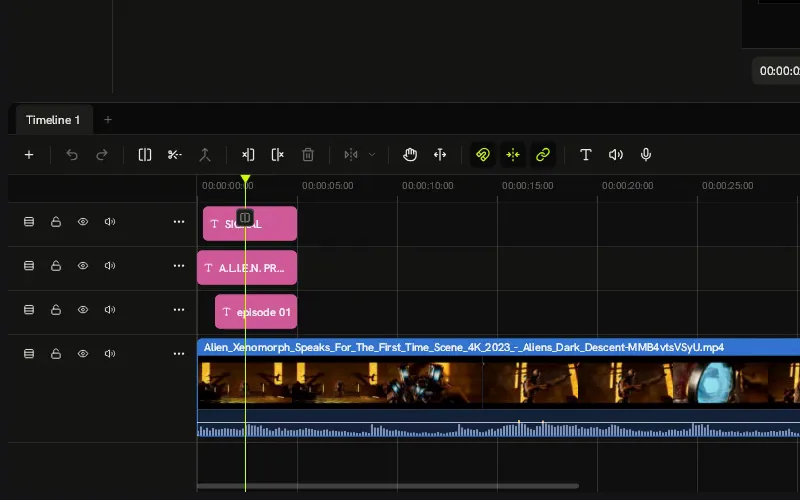
- 1
Drag clips onto the timeline
Each kind of material goes on its own track.
- 2
Stack tracks
Put titles and effects above the video and sound below.
- 3
Move and trim
Adjust each clip until the rhythm is what you want.
TipKeyboard shortcuts speed all of this up; there is a guide on the app start screen.