Guides / Connect and more
Connect it to Claude
Let Claude drive UFO Cut for you.
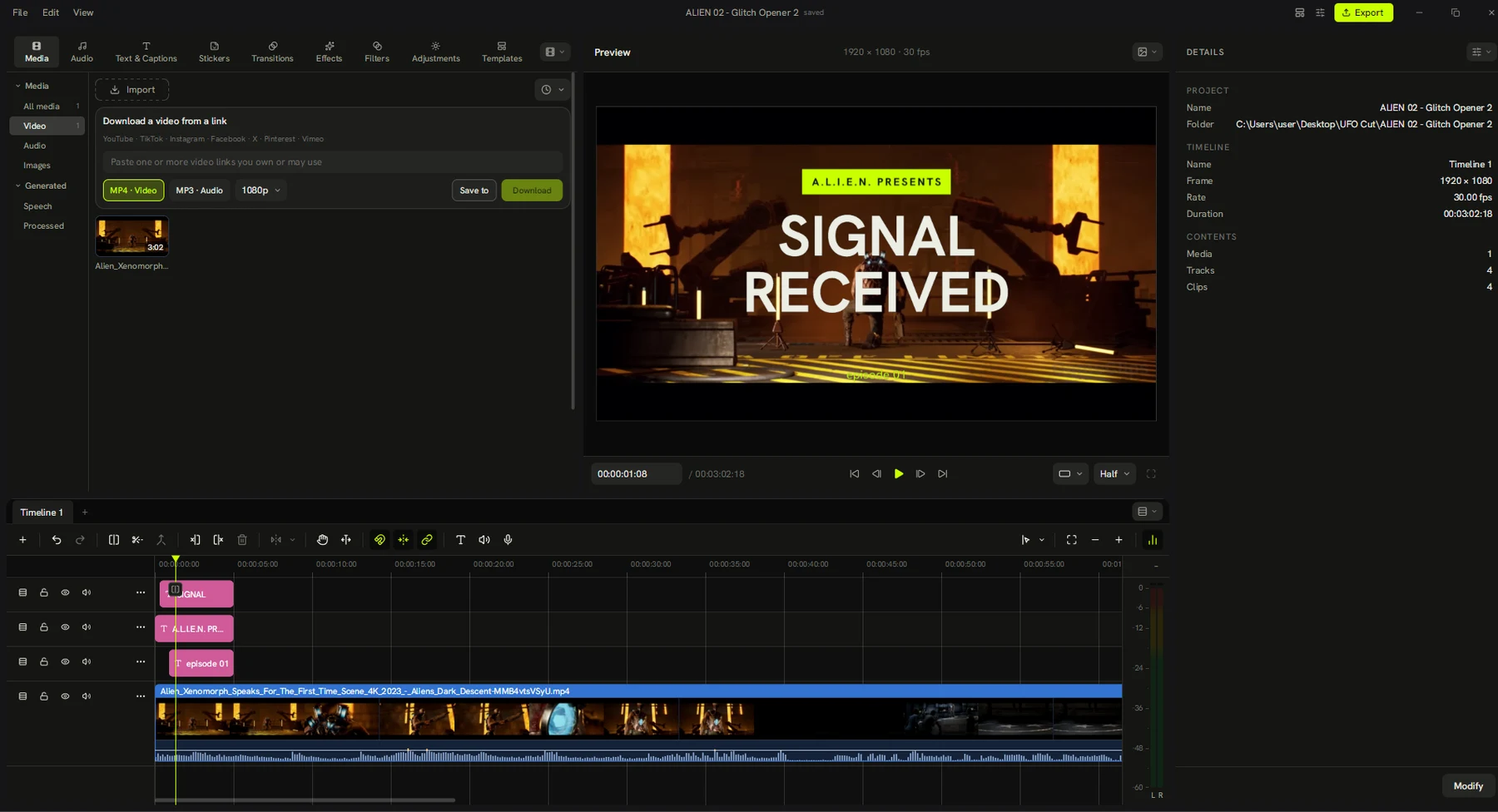
- 1
Open Settings
Go to Settings > Automation > AI assistants.
- 2
Copy the setup
The app copies it for you.
- 3
Paste it into Claude
Claude can then work on your UFO Cut projects.
TipFor now only Claude connects to UFO Cut.